




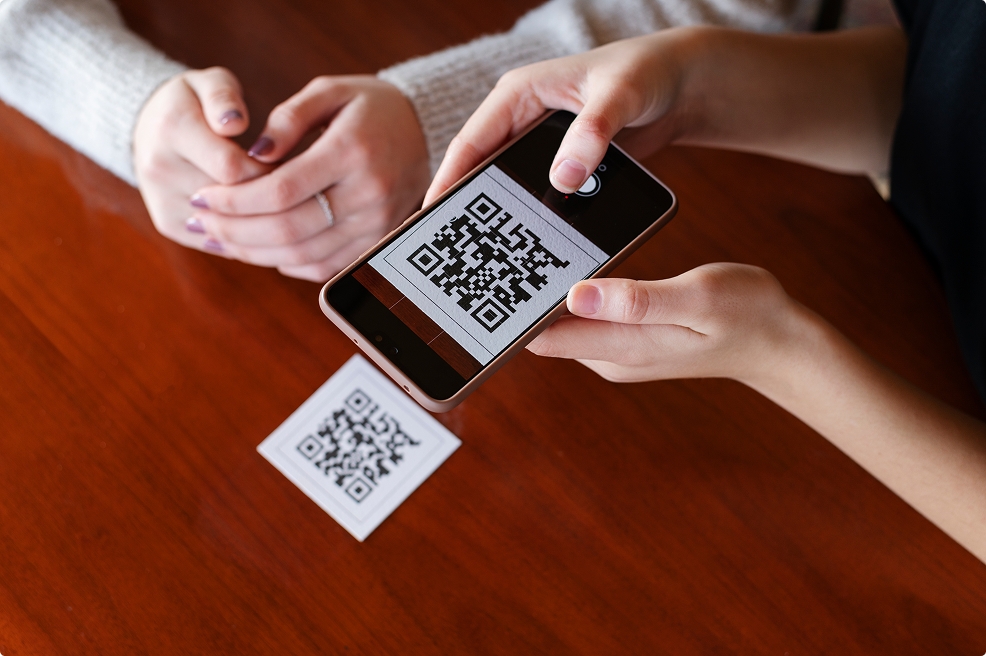
QR codes are easy to use, and at the same time, they can make a big difference for your event. In Conference Manager, you can use QR codes for everything from check-in to lead scanning and registration. Here are five ways QR codes can make your work easier and give participants a better experience:
Arrival registration and nametags
You can create a ticket with a QR code and use it for both check-in and name tag printing. Add a QR code with the participant ID, suitable for CM Exhibition, and use it at arrival to check in the participant. When the QR code is scanned, the participant is automatically registered as arrived.
Click here to read more about arrival registration with the CM Exhibition app.
vCard on the name tag
You can add a QR code with the participant’s contact details (vCard) on the name tag. When other participants scan the code with their mobile camera, they can save the information directly to their contacts. This makes networking much easier and ensures participants can stay in touch after the event.
Click here to read more about vCards.
Participant ID for lead scanning
You can add a QR code with the participant ID on the name tag, which can be scanned in CM Exhibition and used for lead scanning. As the organizer, you need to create an external login for exhibitors so they can scan the participants. This way, exhibitors can easily build an overview of all their leads and retrieve data after the event. You can find a guide for lead scanning here.
QR codes with links to material
You can use the Material section in Conference Manager to create materials that include a QR code with either a link or a piece of text. This can be used for existing participants who need quick access to a specific webpage or resource — for example, you can place a QR code on their name cards so they can scan it to view additional information.
You can also generate the QR code using an external QR generator, such as Canva, and print it to place on signs or other event materials, making it easy for participants to access additional content.
QR code for registration
Do you want to make it easy for participants to sign up for your event? You can also create a QR code that links directly to the registration page. For example, you can do this in Canva — generate a QR code using the link to your registration page. Print it on posters, flyers, or in advertisements so new participants can scan the code and register immediately — without having to type a long URL.
Ready to get started?
QR codes in Conference Manager can be used for much more than just tickets. They make it easier to manage check-in, improve networking opportunities, and help exhibitors with lead scanning. At the same time, they can be used to share content and make registration more accessible.
With just a few clicks, you can create QR codes in Conference Manager and use them to create a better experience – both for you as an organizer and for your participants.