

The Webinar tab now has a new and more modern design. The purpose of this update is to make it easier to work with two webinar options: CM Live and Other provider. The underlying functionality remains unchanged — the interface simply presents these options in a clearer and more intuitive structure.
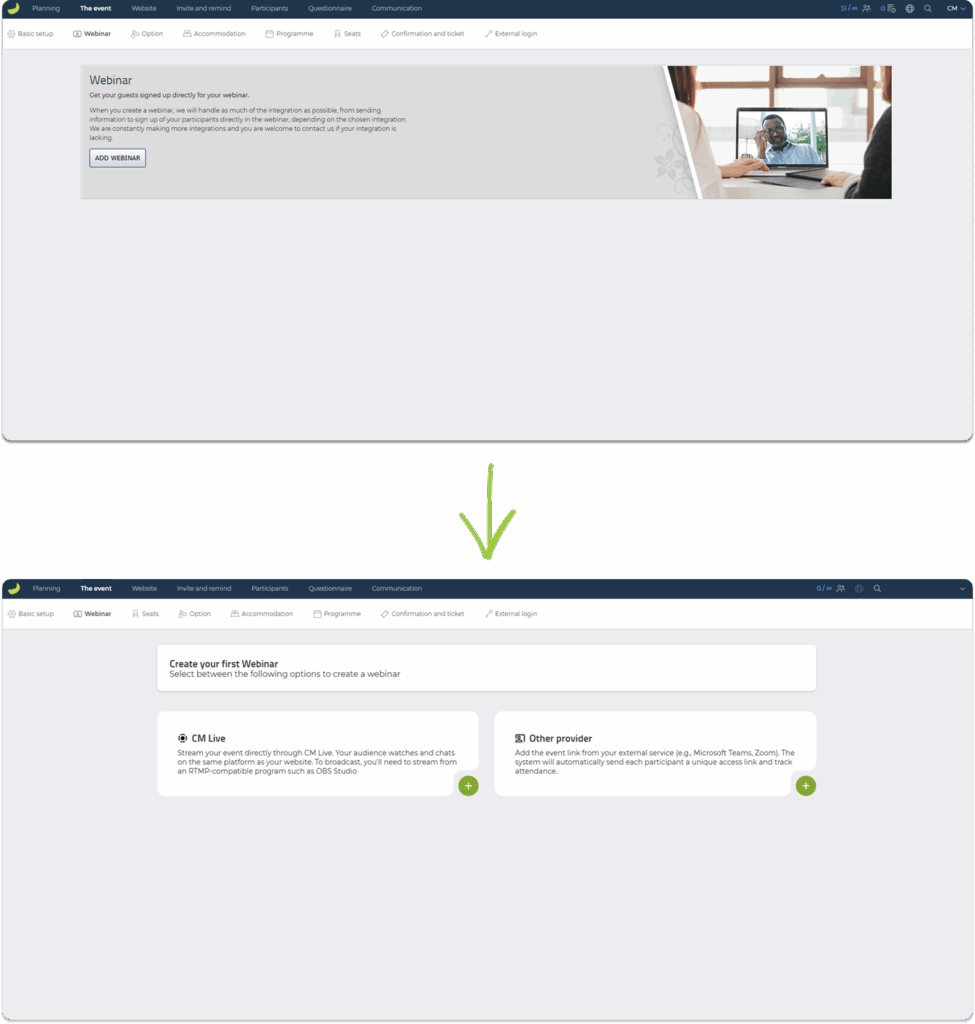
The new structure provides a clearer overview of your webinars – whether you are creating your first webinar or managing several at once. All features remain the same; the settings are simply presented in a more intuitive layout.
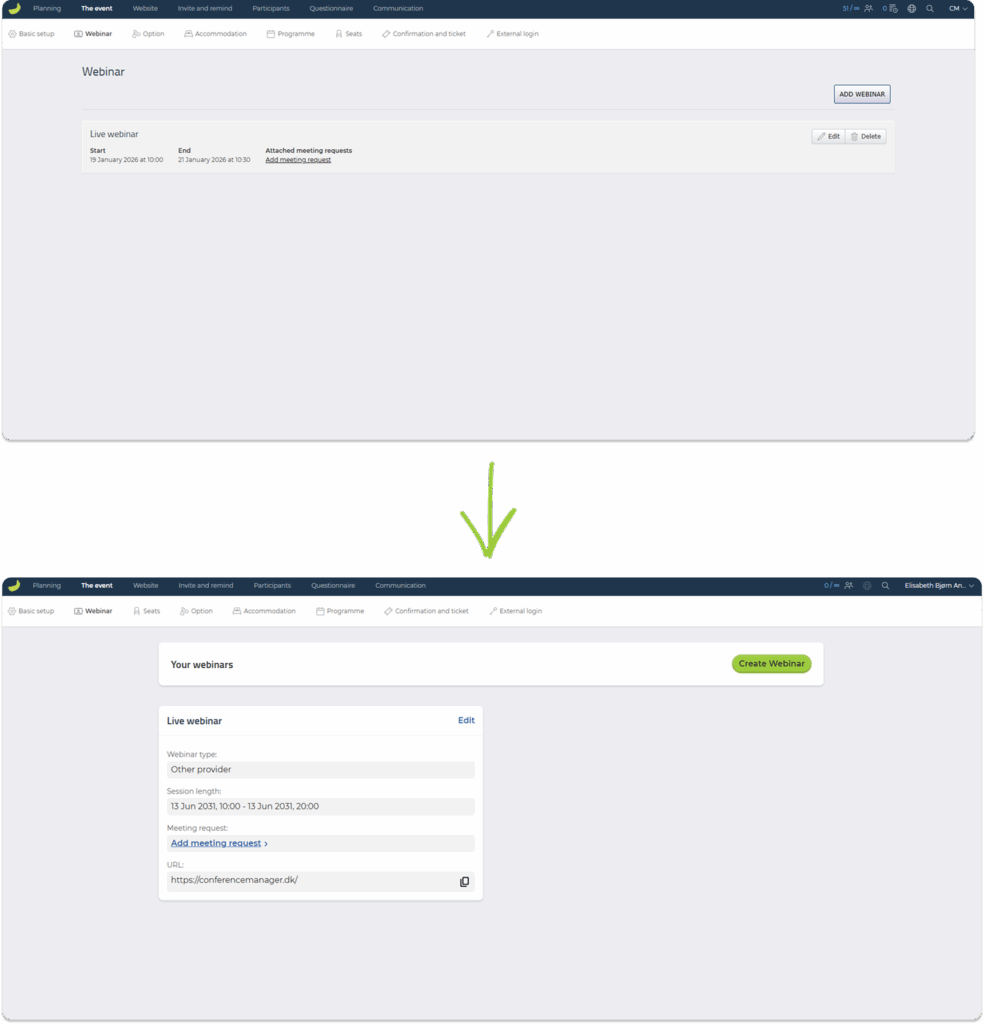
What’s new?
• Improved visual separation between CM Live and Other provider.
• Clearer display of webinar type, session length, stream server, stream key and test URL.
• A more guided process when creating your first webinar.
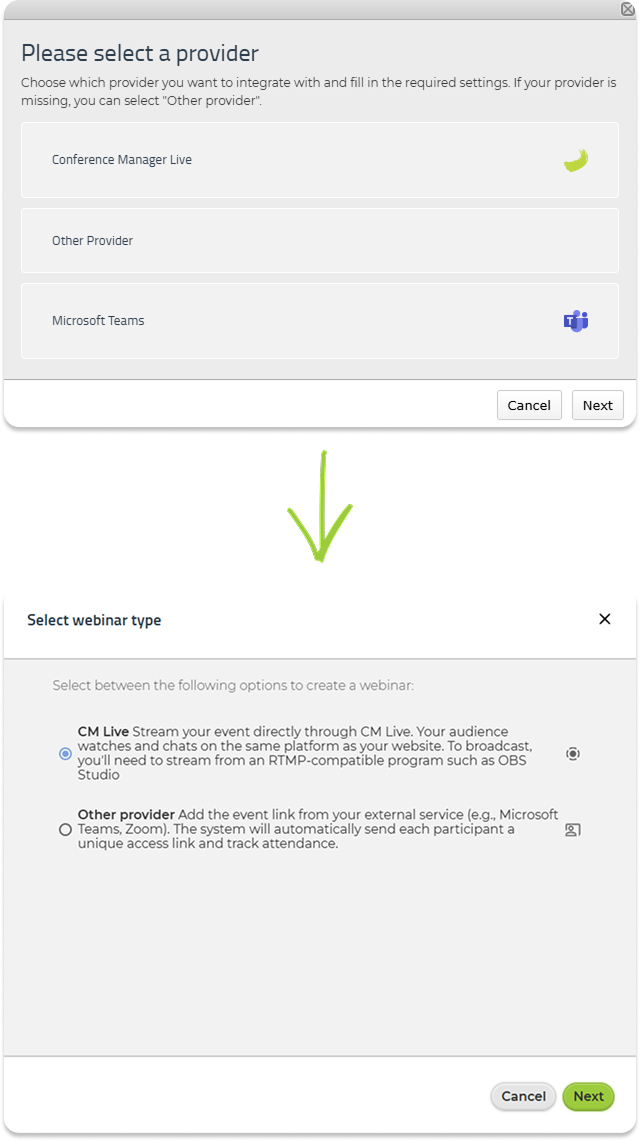
What doesn’t change?
• All existing webinar features remain exactly the same.
• Integrations, stream setup and your current webinars are not affected.
• You can continue to use CM Live, OBS, Teams, Zoom or similar tools for your broadcasts.