




Find quick answers to the most common questions about CM Events.
How do I change the language in the app?
The app automatically follows the language of your phone.
If your device uses a language that the app does not support, the app will appear in English.
Where can I find my ticket?
If a ticket is available for the event, open the event and tap the ticket icon in the top-right corner.
Your ticket can be scanned when you arrive at the event.
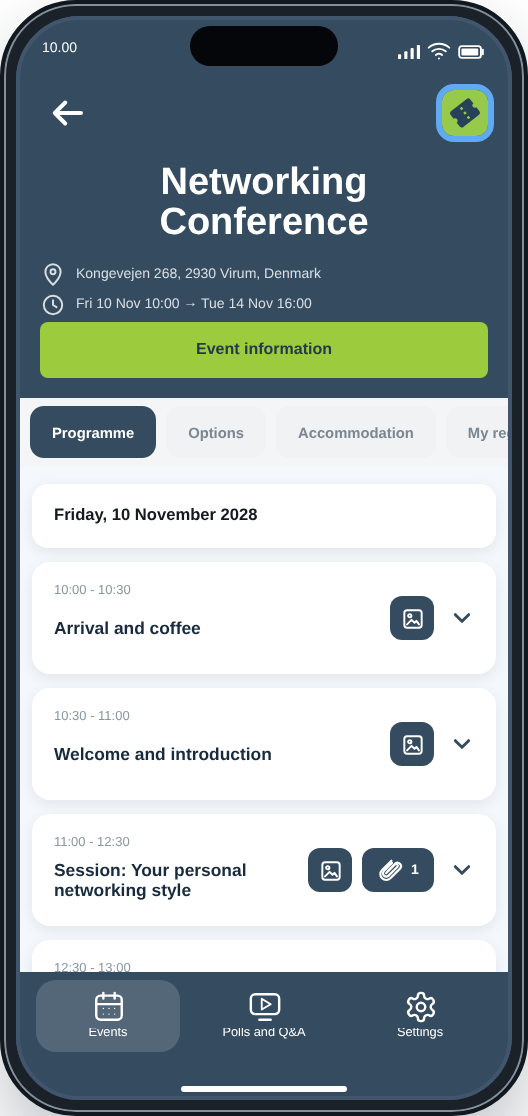
How do I view my personal or general programme?
Your personal programme is available under Programme inside the event.
If the organiser has published a general programme, it may also be available under Event information.
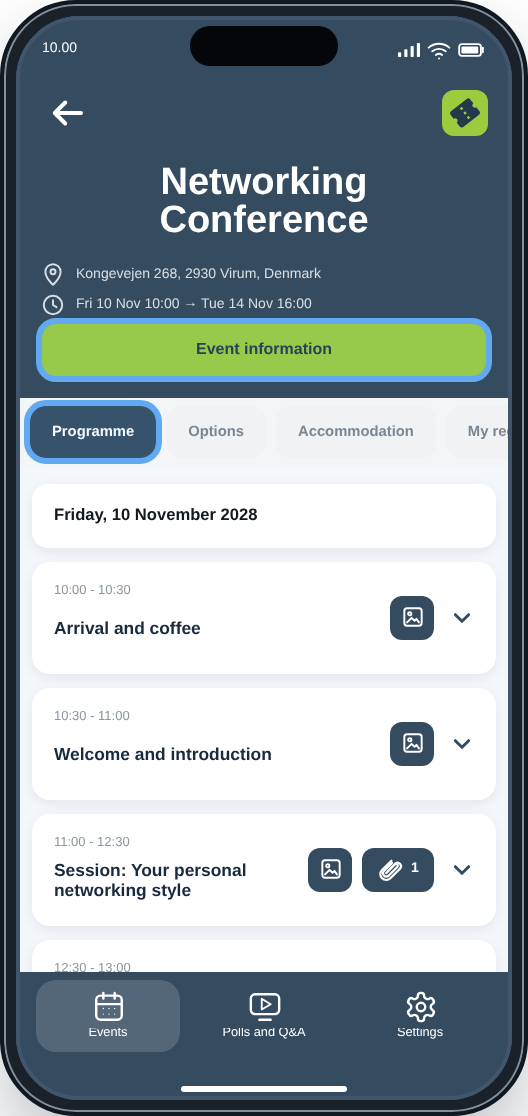
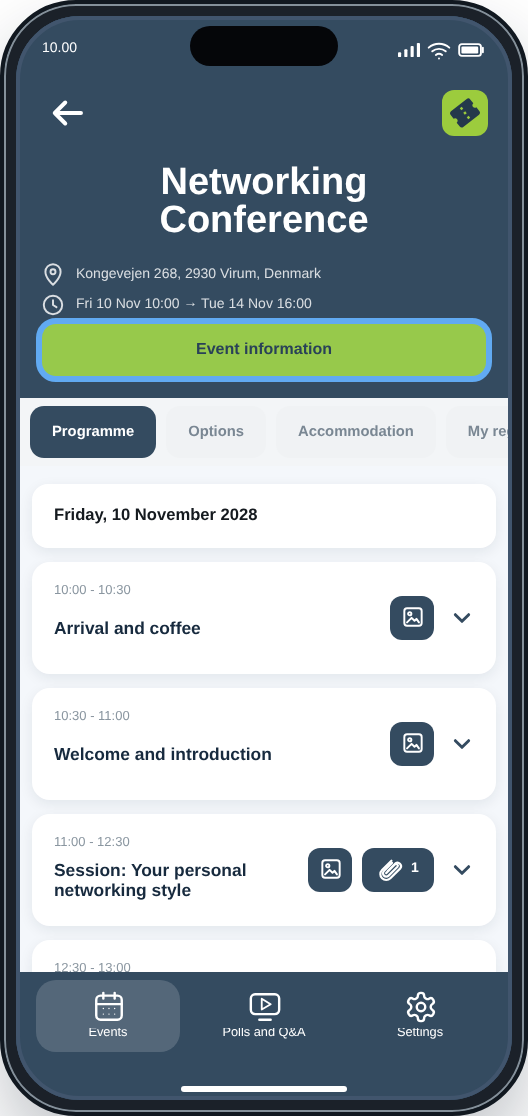
Where can I find additional event information?
Tap Event information inside the event to open the event website.
The pages available depend on how the organiser has set up the event and may include programme information, venue details, downloads, a participant list and other practical information.
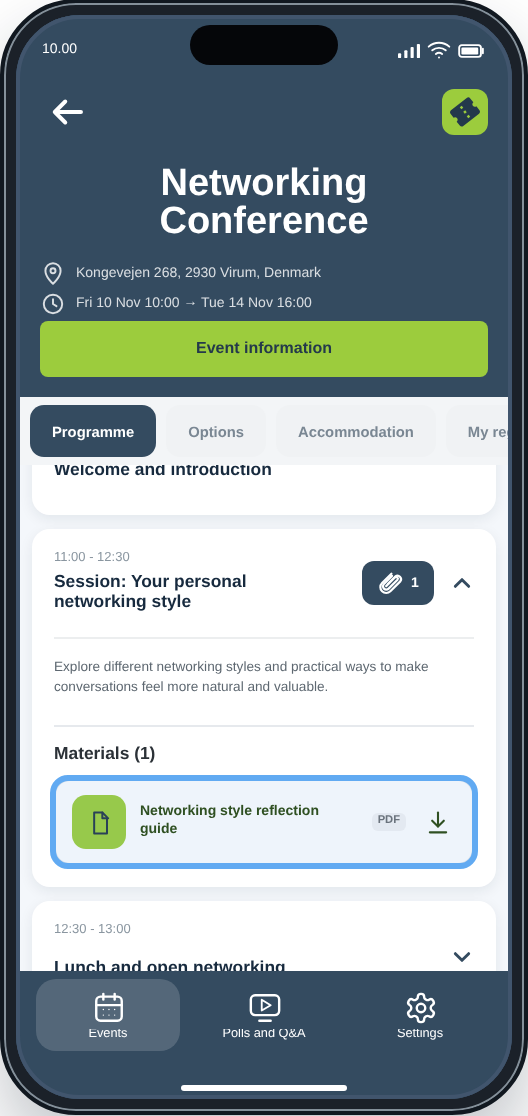
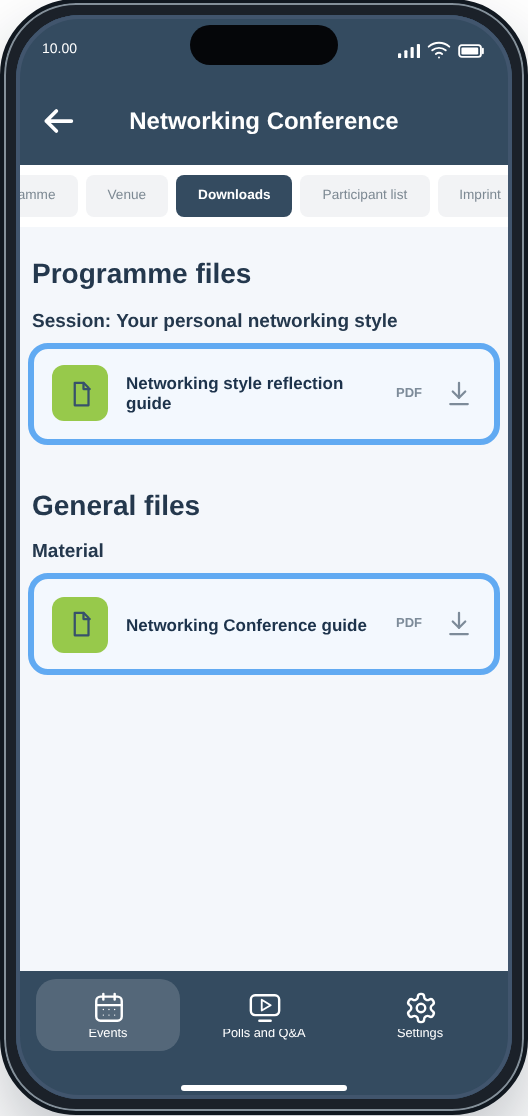
Where can I find materials shared by the organiser?
If the organiser has shared materials, they may be attached directly to individual programme items or available on a Downloads page under Event information.
What is available depends on how the organiser has set up the event.
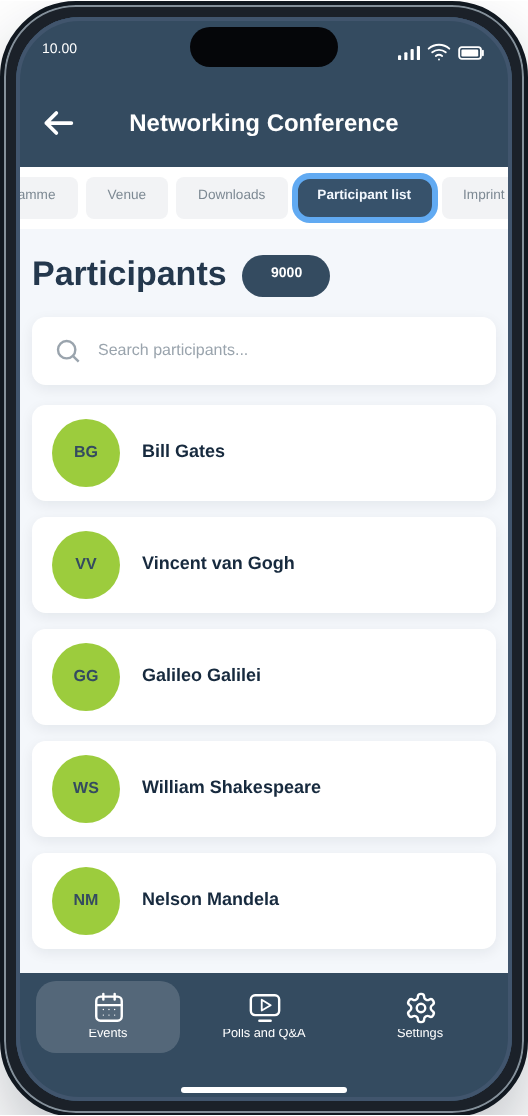
Where can I find the participant list?
If the organiser has made a participant list available, you can find it under Event information.
The pages available under Event information may vary from event to event.
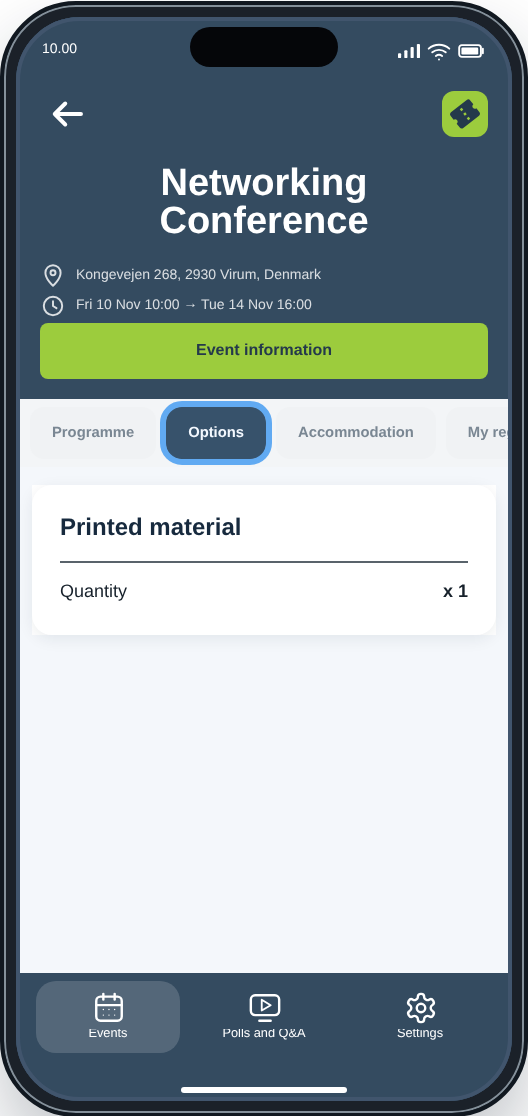
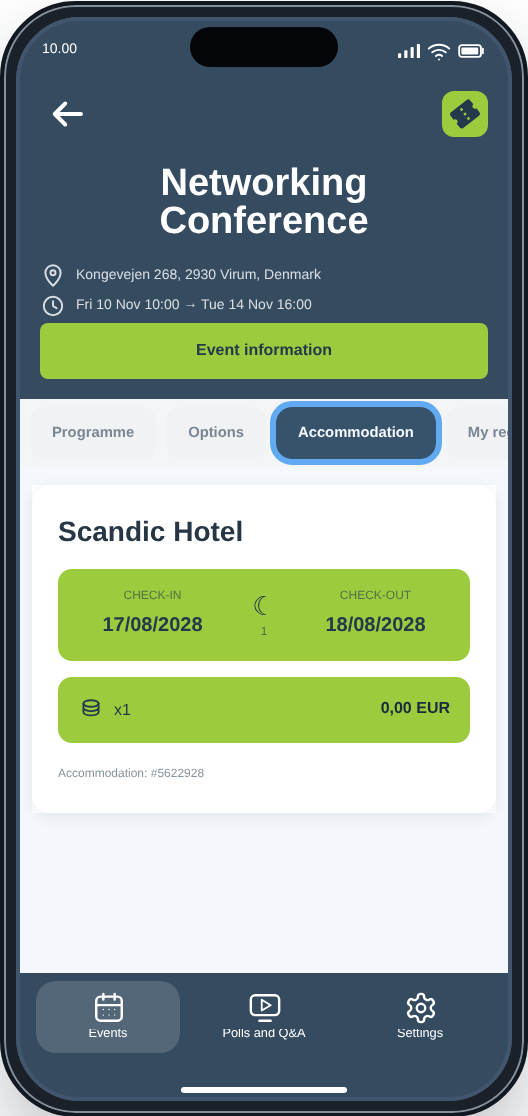
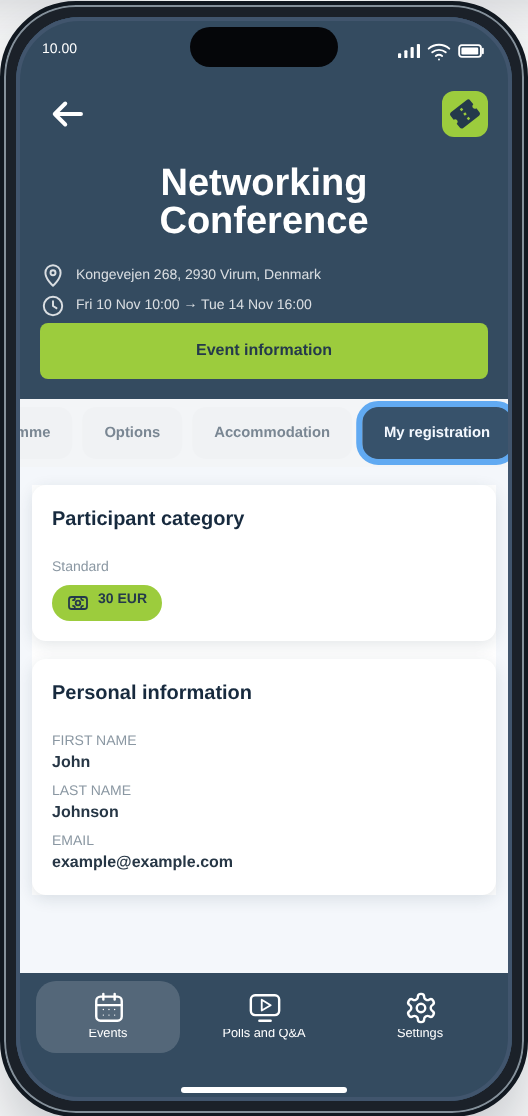
Where can I see my registration details, options or accommodation?
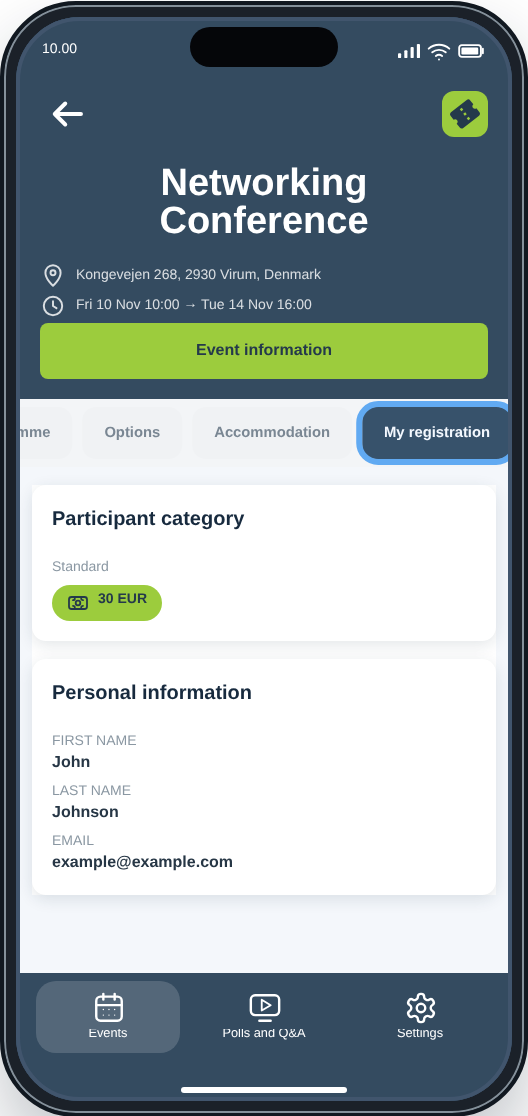
You can always find your registration details under My registration.
If you selected any options, you can find them under Options. If you booked accommodation, you can find your stay details under Accommodation.
How do I join a poll?
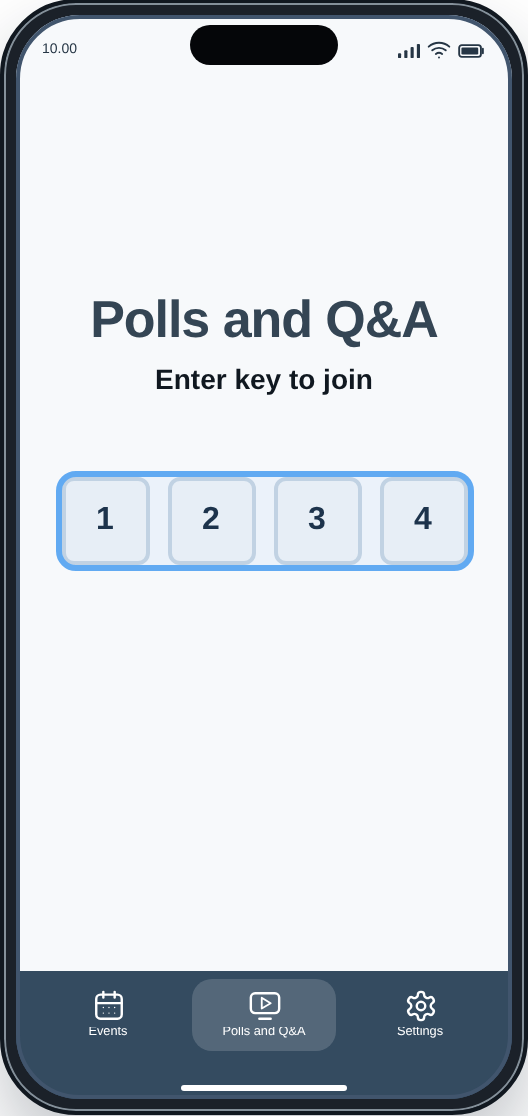
Go to Polls and Q&A and enter the key provided by the organiser.
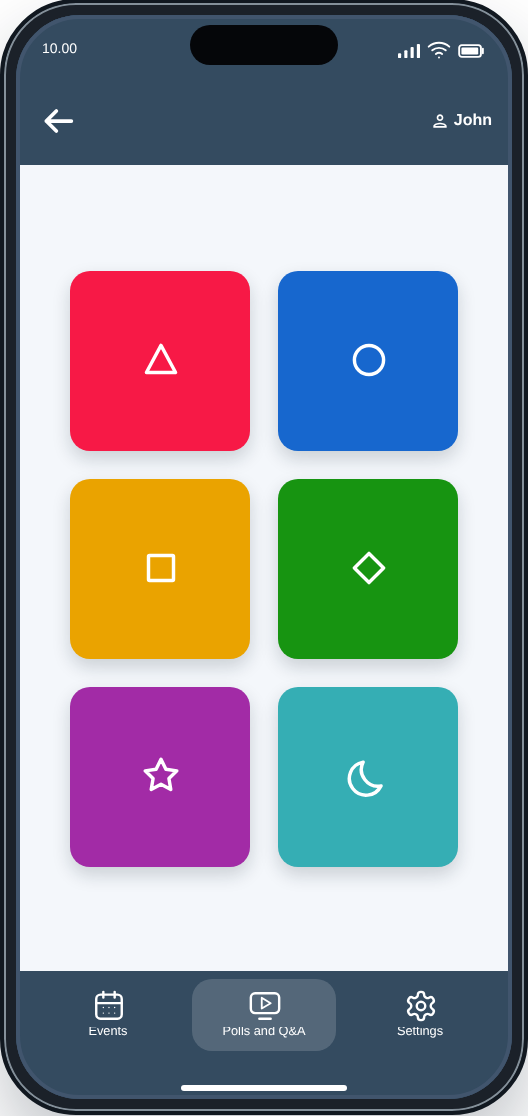
Then enter a nickname and join the poll. Select one of the answer options shown on the screen.
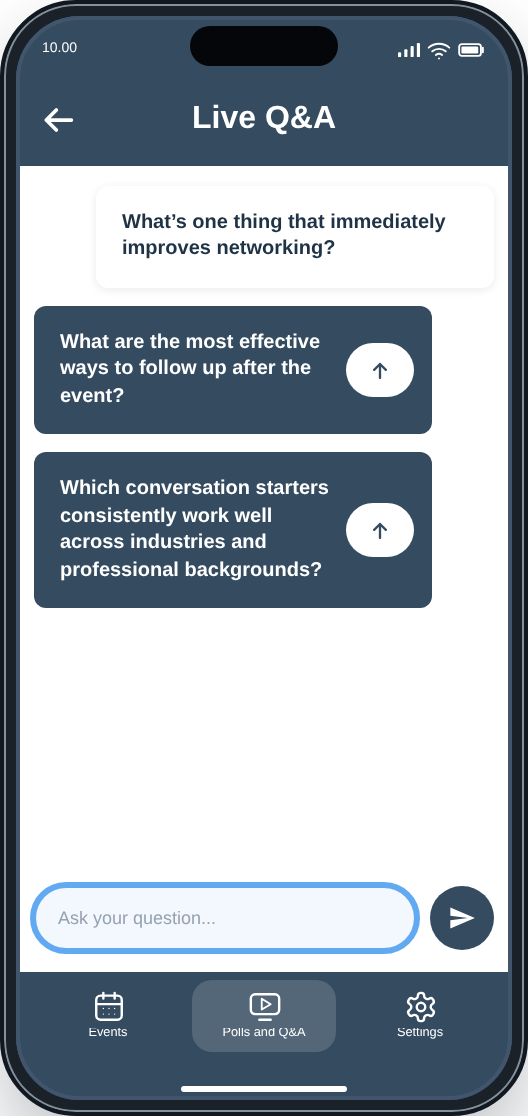
How do I participate in Live Q&A?
Open Polls and Q&A and enter the key provided by the organiser.
Then join the Live Q&A session. Live Q&A is anonymous, so you do not enter a nickname. You can ask questions and upvote questions that have already been submitted.
How do I manage push notifications?
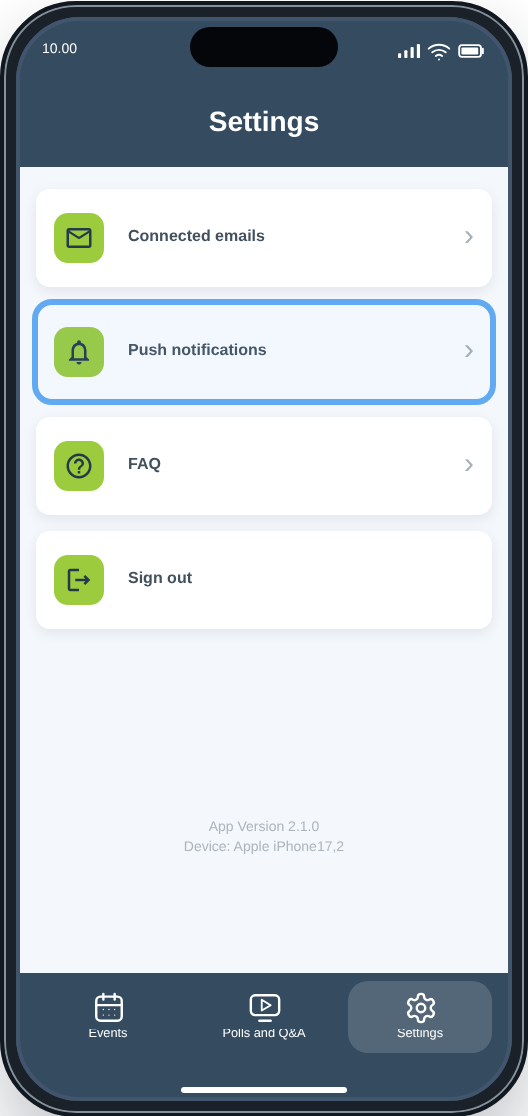
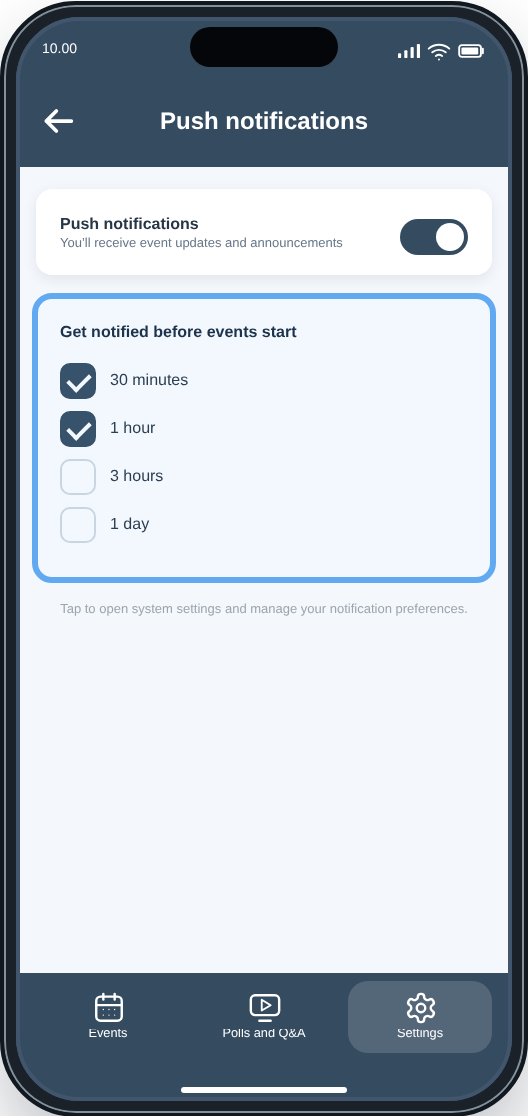
Go to Settings → Push notifications.
You can manage event notifications and choose when you want to be reminded before an event starts.
Why can’t I see all my events?
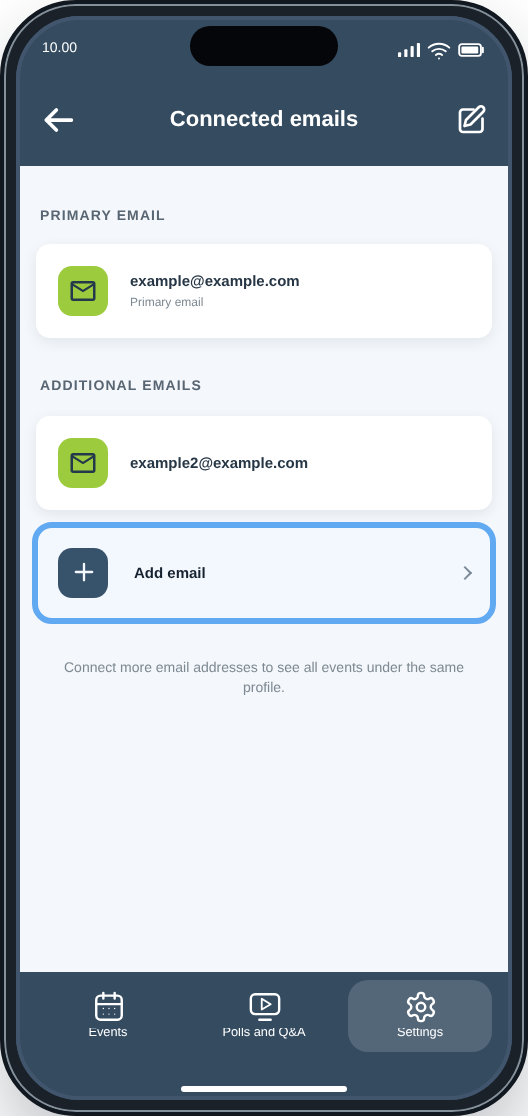
You can only see events linked to the email addresses connected to your account.
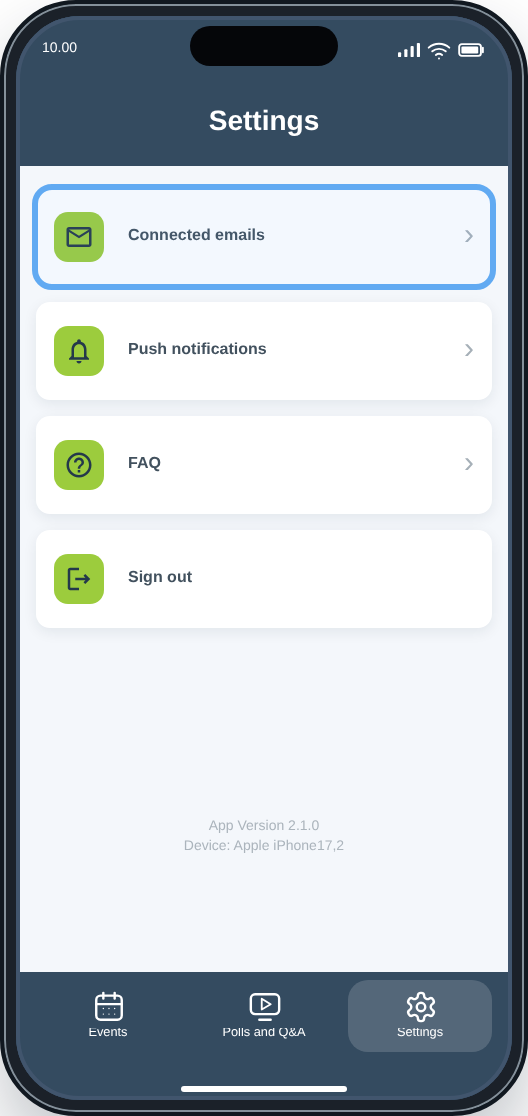
If you registered for events with multiple email addresses, go to Settings → Connected emails → Add email. A verification code is sent to the email address you add.
Once the address has been connected, events registered with that address can appear under the same profile.
How can I update my participant information?
You can view your registration details under My registration.
To change participant information, open your registration in a browser. Changes cannot be made directly in the app.
How do I sign out of the app?
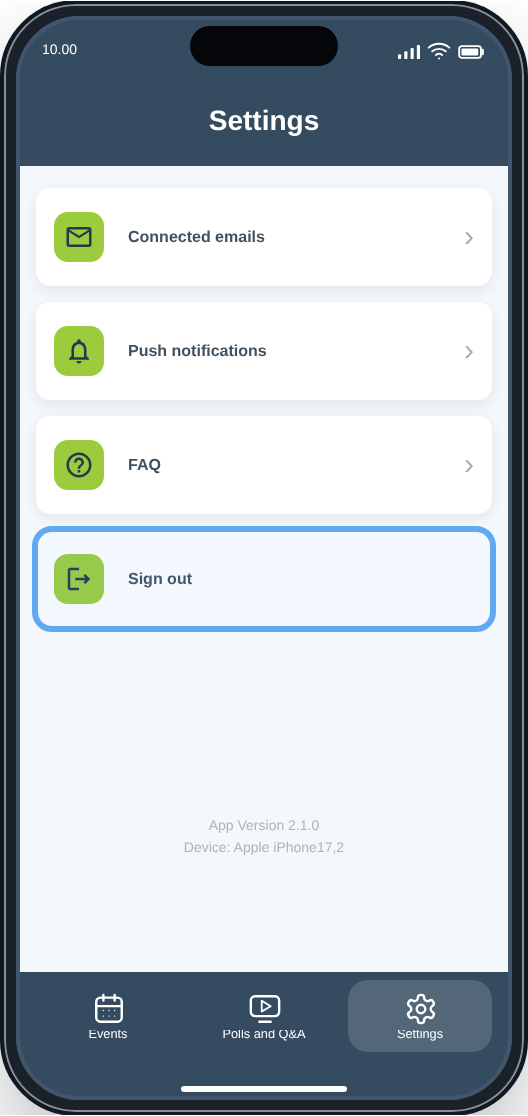
Go to Settings and tap Sign out.
Where can I see which version of the app I’m using?
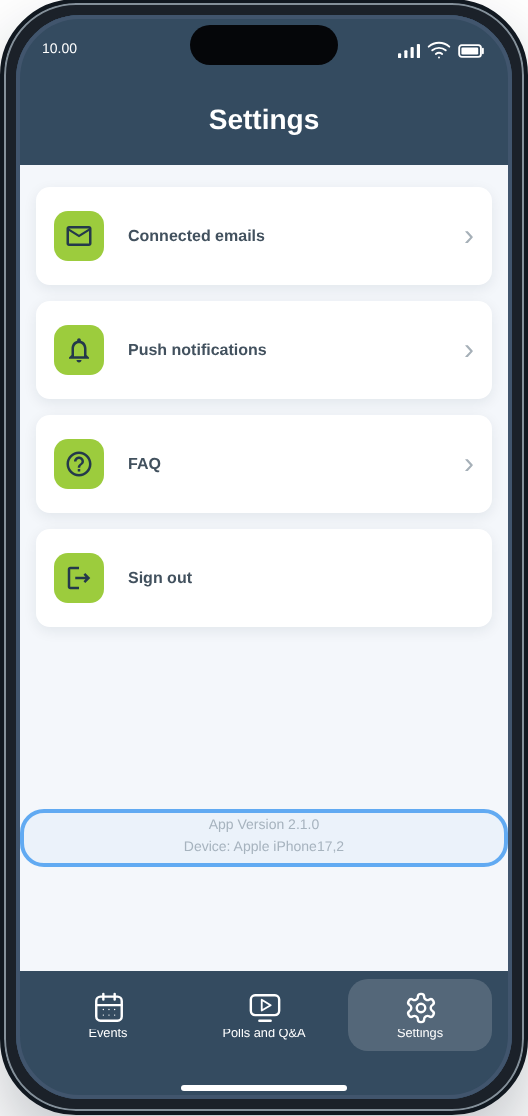
Go to Settings. The app version is shown at the bottom of the screen.
If you have any questions about the event or your registration, please contact the organiser directly.


