In Conference Manager, you can choose which columns to display in your lists and change their order. This also lets you prepare the column order before exporting to Excel.
Select which columns to display
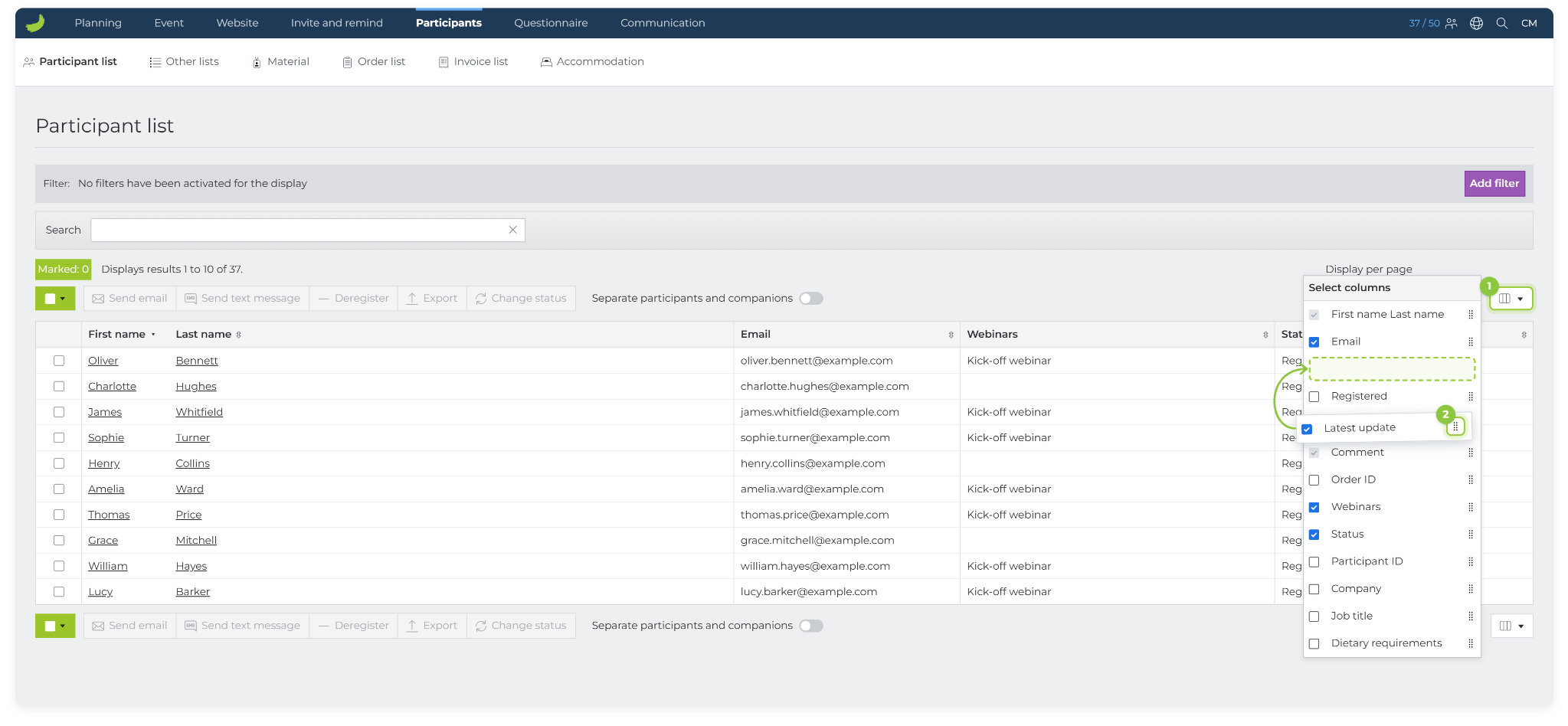
Click Select columns using the column icon at the top right of the list.
Select the columns you want to display, and deselect the columns you want to hide.
Change the column order
In Select columns, find the column you want to move.
Drag the dotted handle to the right of the column name up or down to the desired position.
When you export the list to Excel, the file follows the column order you have selected in Conference Manager. You can therefore arrange the columns before exporting instead of moving them manually in Excel.
This feature is available on all lists, except the order list and invoice list.