The event overview in Conference Manager gives you a quick overview of your event, including recent participant-related changes.
Go toThe event
Find Latest changes on the right-hand side. Here you can see participant registrations and changes to participant bookings, along with information about when and by whom they were made.
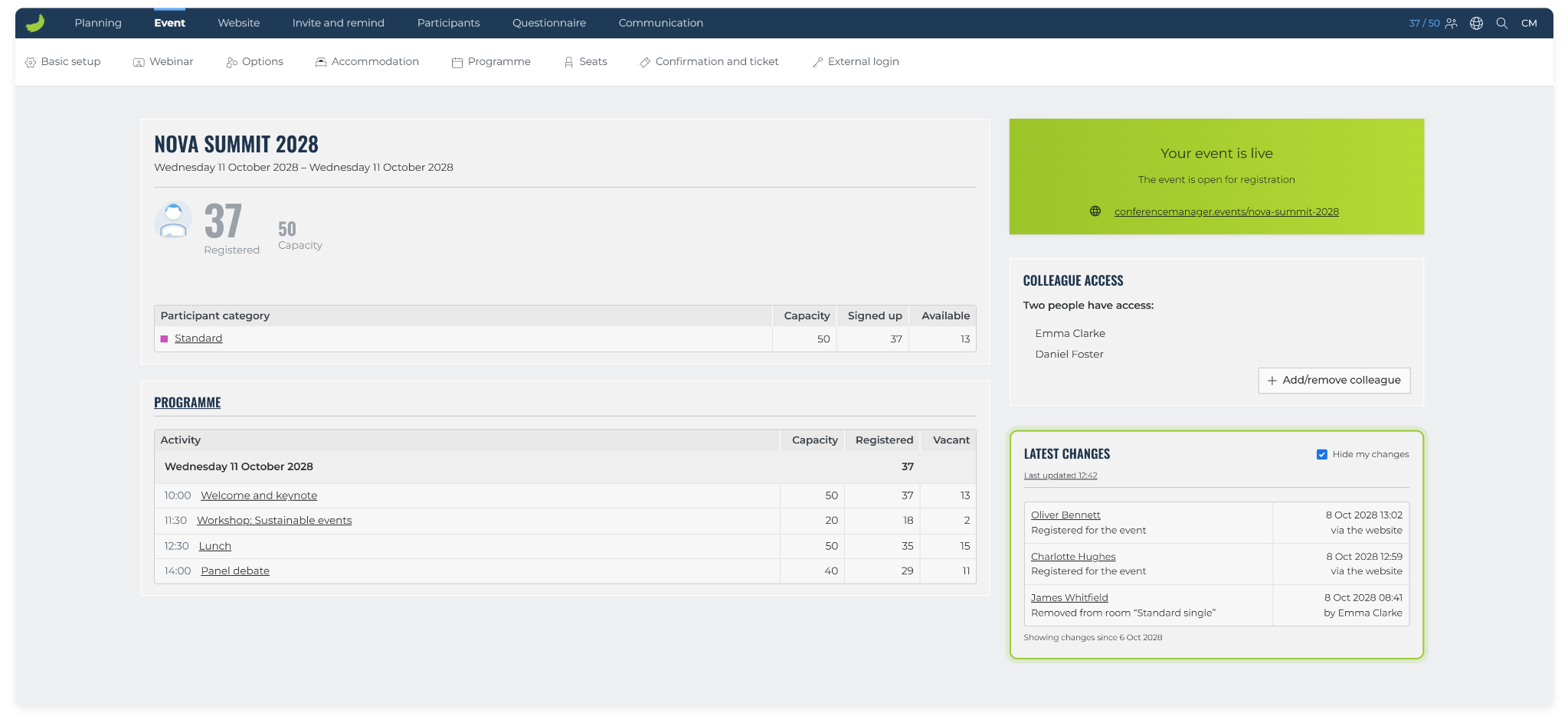
Select Hide my changes to show changes made by others. Clear the checkbox to include your own changes again.
The Latest changes section shows participant-related changes, not changes to your event setup or configuration.